Installation guide

Microsoft Outlook
Castine add-in
Connect email activity with the Castine research ecosystem and keep relevant events, providers, and relationships organized from Outlook.
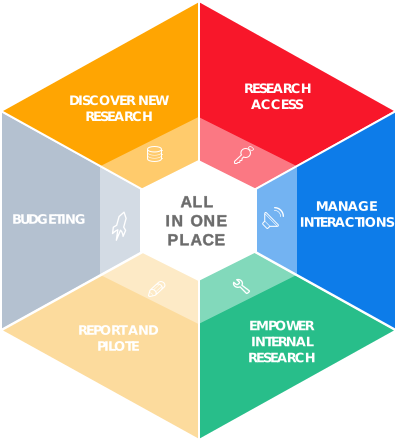
Discover the research ecosystem
- Access your research by providers.
- Display interests on specific domains using filters.
- Track your interactions with your providers.
- Distribute internal research and follow the readership.
- Discover alternative research on the marketplace.
- Monitor your research consumption.
Step one
Get the manifest file
Download the manifest and keep it available for the upload step in Outlook.
https://ms-addins-test.castineapps.com/outlook/manifest.xml Download Outlook manifestStep two
Install in Microsoft Outlook
- In Outlook, open the Insert tab and select Add-ins.
- Choose Upload My Add-in and select the manifest downloaded from this page.
- Find the add-in on the Home tab, inside the Castine group.
Deploying for an organization? See how to deploy add-ins in the Microsoft 365 admin center.